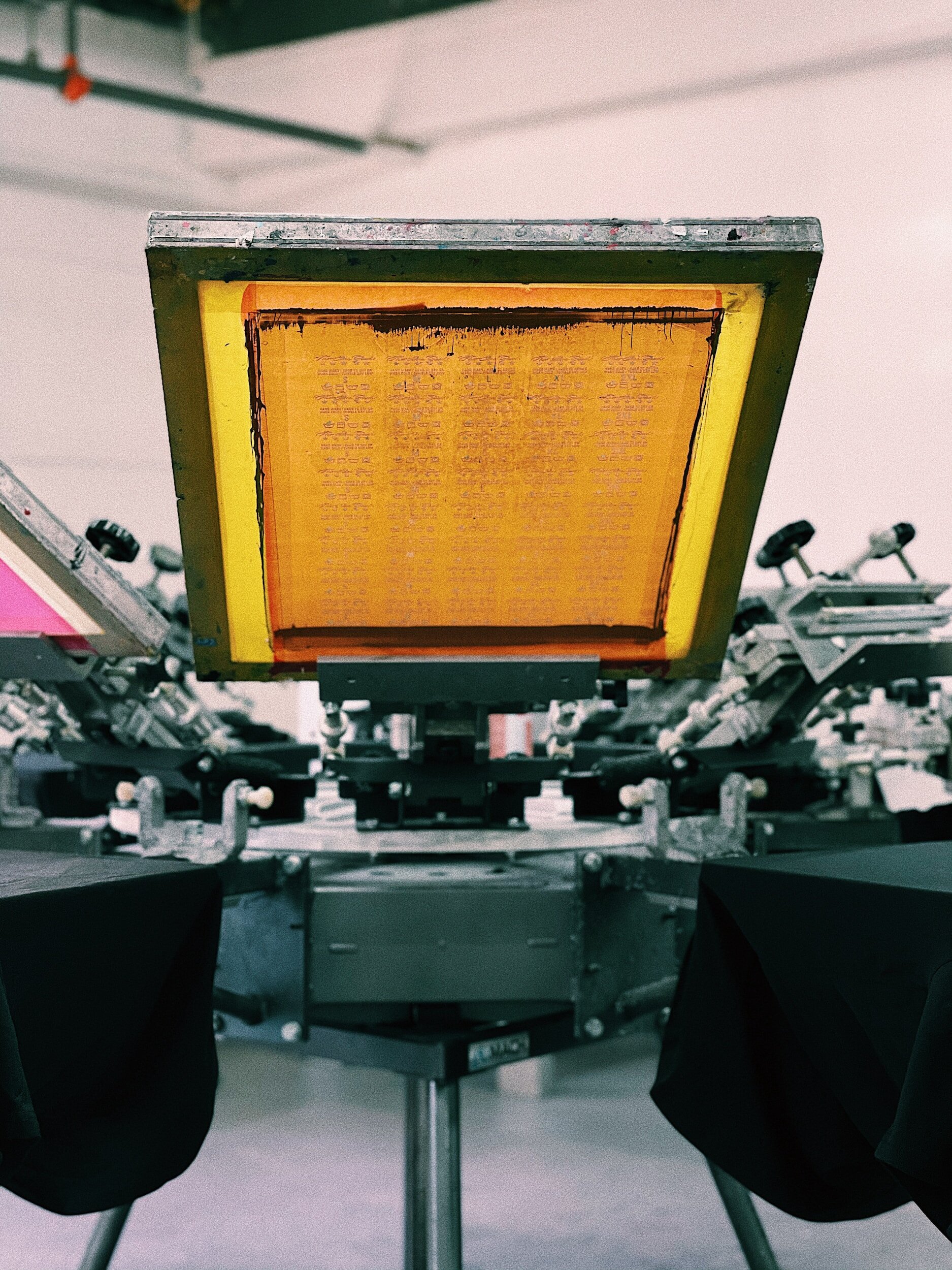
Drifter Merch’s blog features news, events, tour dates and vendor spotlights to music and album reviews.
Cotton vs. Poly-Cotton: Why We Print Our Custom Tees on the Blend That Stays Soft
Get ready to think beyond the design on the front of your custom tee. The fabric matters, too, especially if you want a shirt that feels good at the show, on the drive home, and years later when that familiar favorite comes out of the drawer.
At Drifter Merch, we often prefer poly-cotton blends for custom tees because they balance a soft, comfortable feel with reliable shape retention. They’re less likely to shrink than a comparable 100% cotton shirt, and they tend to feel smooth and easy to wear rather than stiff. But cotton has its own appeal, especially if you love the classic vintage band tee feel. Here’s how the two fabrics compare and how to choose the right one for your next custom order.
What’s the difference between cotton and poly-cotton?
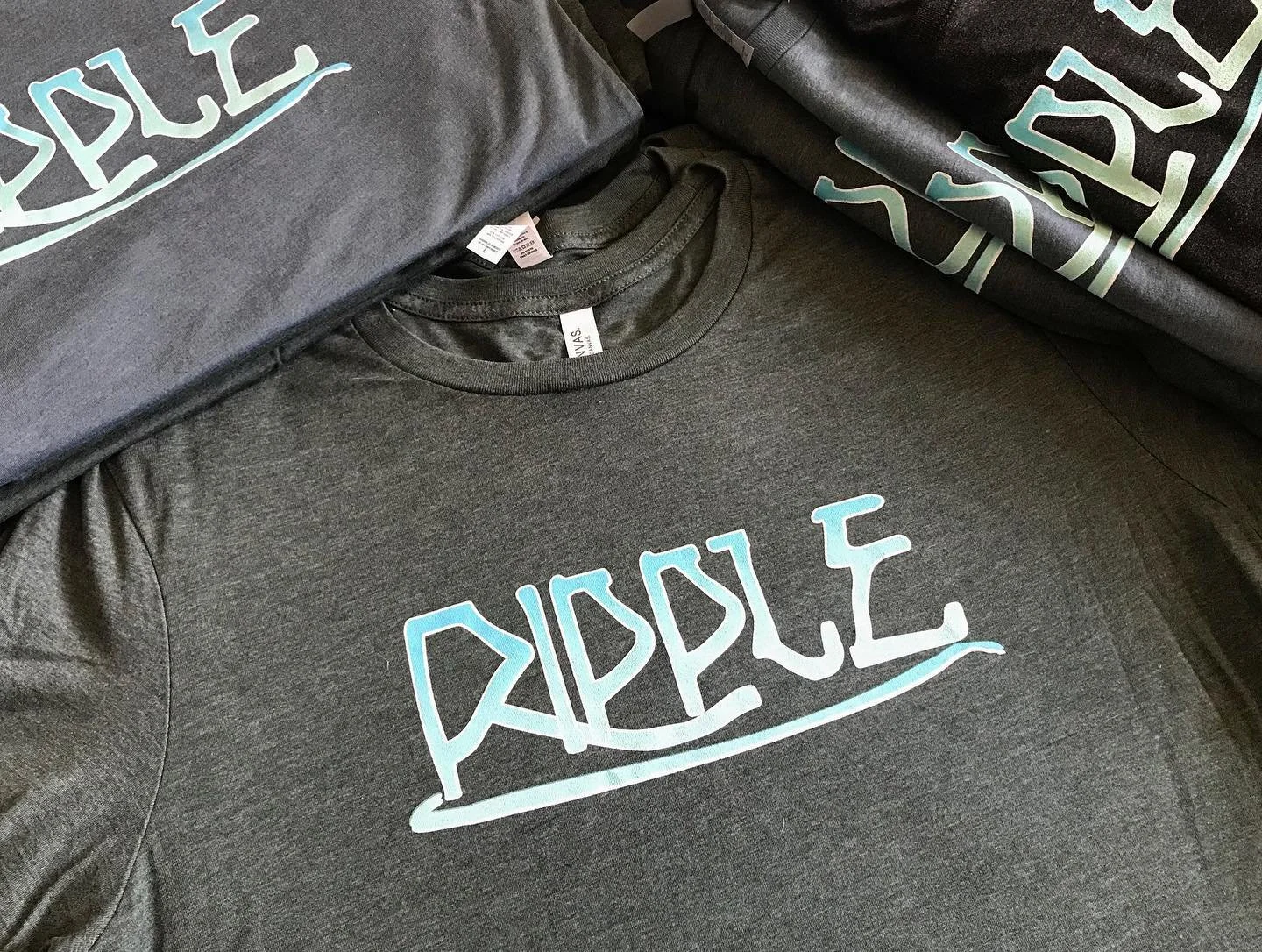
A 100% cotton tee is made entirely from cotton fibers. A poly-cotton tee blends cotton with polyester. The exact ratio varies by garment, and that ratio can affect how the shirt feels and performs. A blend with more cotton may feel closer to a traditional cotton tee; more polyester can contribute to durability and shape retention.
There’s no single “best” fabric for every person or project. The right choice depends on what you want your shirt to feel like, how you plan to wear it, and what you’re printing on it.
The case for 100% cotton
Cotton has earned its place as a classic t-shirt fabric. It’s breathable, absorbent, and familiar against the skin. If you love the feel of a well-worn vintage concert tee, cotton may be the sensation you’re after. It’s also a natural match for the worn-in look of classic music merchandise.
That beloved vintage feel does come with trade-offs. Cotton can shrink in the wash, especially with high heat, and heavier cotton shirts can feel more structured or stiff than you’d like. A 100% cotton tee may also wrinkle more readily than a blend.
If your top priority is a natural, cotton-forward feel, a good cotton shirt can be a great choice. Just follow the garment’s care instructions and be mindful of heat if you want to help preserve its size.
Why we often reach for poly-cotton
A poly-cotton tee brings together the comfort of cotton and some of polyester’s practical benefits. We like the way a quality blend can feel soft and smooth, with an easy drape that doesn’t feel stiff or overly heavy. It’s the kind of tee you can move in, whether you’re hauling gear, catching a set, or wandering the festival grounds with friends.
Blends also tend to hold their size and shape better wash after wash than comparable 100% cotton garments. They’re generally more resistant to shrinkage and wrinkling, though results depend on the specific fabric, garment construction, and how you care for it. No shirt is completely shrink-proof, so check the care label and avoid excessive heat when you can.
That dependable fit is a big part of the appeal. The tee you reach for years later is the one that still feels comfortable and fits the way you remember, not just the one with the coolest graphic.
Does the blend change how a print looks?
The fabric is part of the finished shirt, but printing method and care matter, too. A well-made poly-cotton garment can be a great canvas for custom apparel, including band merch, school shirts, festival tees, and event gear. The blend’s shape retention can help the garment keep its fit over time, while proper printing and care help the design stay looking its best.
For classic graphics in a limited color palette, screen printing is a popular choice. We can screen print designs with up to 8 colors, making it a strong fit for bold artwork, clear lettering, and vintage-inspired designs. If your artwork needs photo-like detail, gradients, or more than 8 colors, DTF may be the better route. DTF transfers the design onto the garment, while screen printing applies ink through a mesh screen. Each method has its own look and feel; you can learn more in our guide to DTF vs. screen printing.
Which fabric should you choose for a custom order?
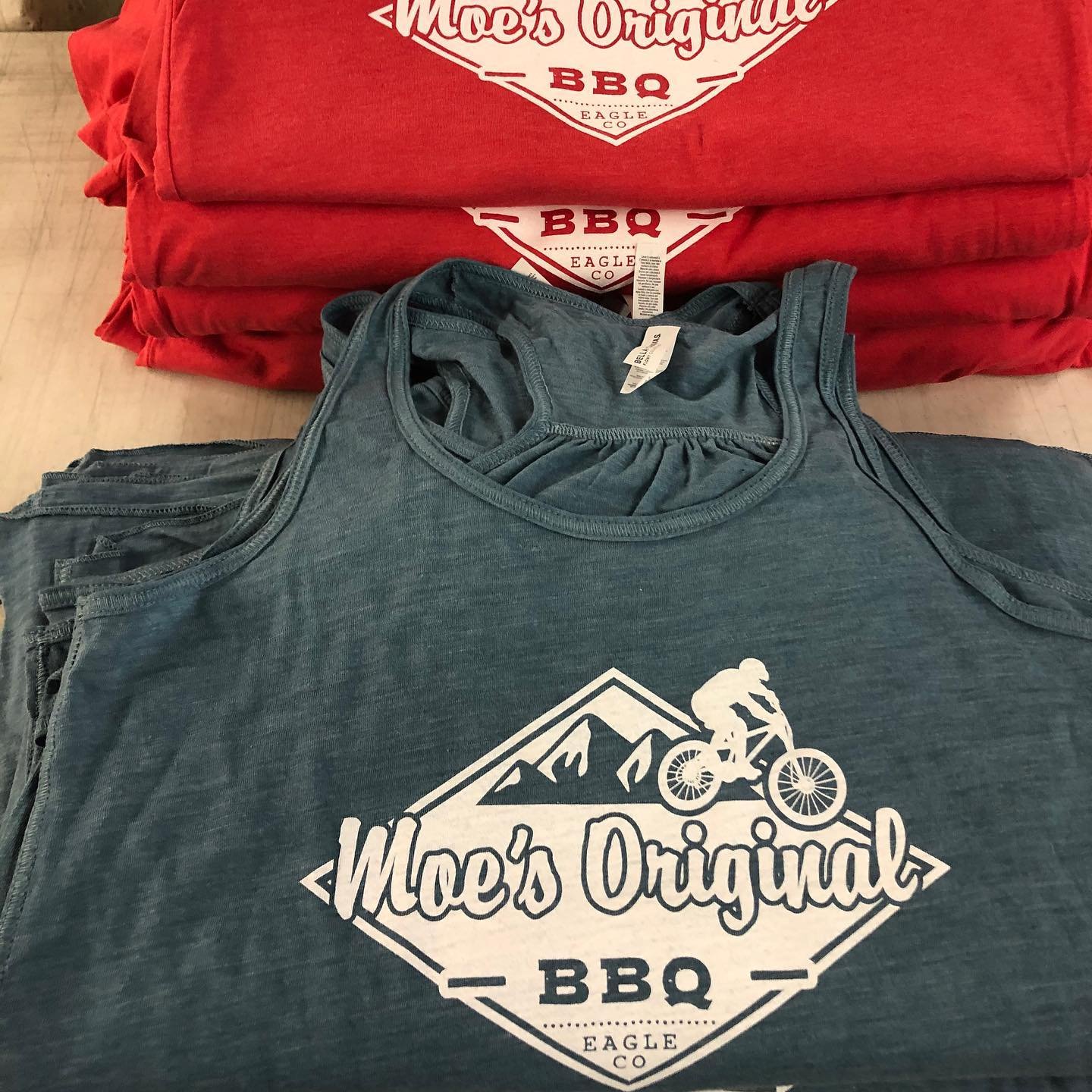
Think about the people who’ll wear the shirts and what you want them to remember. Here’s a simple starting point:
Choose 100% cotton if you want a classic cotton hand, a breathable feel, and the familiar character of a traditional tee. It’s a great option for fans who love that natural, vintage-inspired feel.
Consider poly-cotton if you want a soft, smooth shirt that’s less likely to shrink or wrinkle and tends to hold its shape through regular wear. It’s a comfortable pick for a busy event or a tee you hope people will keep in rotation.
Ask about the specific garment if softness, fit, or weight is especially important. “Poly-cotton” covers many blends, so the ratio and construction make a difference.
For bands, schools, festivals, and event organizers, the shirt isn’t just a giveaway or a merch-table item. It becomes part of the experience. Maybe it’s the tour tee a fan wears on the next road trip, the volunteer shirt someone keeps long after the festival wraps, or the school design that turns into a favorite weekend shirt. Comfort gives people one more reason to keep it close.
A few care habits that help your tee last
The care label is your best guide, because different garments and blends can have different instructions. As a general habit, washing with similar colors and avoiding excessive heat can help preserve the fit and feel of your shirt. Turning a printed tee inside out before washing can also help protect the graphic from rubbing against other items. When in doubt, follow the garment’s specific care directions.
And remember that fabric is only one part of the finished product. The blank, the artwork, the printing method, and how the garment is cared for all contribute to how a tee looks and feels over time.
Comfort you’ll want to wear again
Cotton is the timeless classic with breathable, familiar, and closely tied to the vintage tees music fans treasure. Poly-cotton brings a different set of strengths. We often prefer it for custom tees because a quality blend can feel soft and comfortable without the stiffness some people associate with heavier cotton, while generally holding its size and shape better through repeated wear and washing. That said, we can special order any blend for you, just ask.
We want custom merch to feel right from the first show to the many adventures that follow. If you’re planning tees for your band, school, festival, business, or next big event, bring your design to our custom orders page. We’ll help you choose a garment and printing approach that fits your project, and make something your community will be glad to wear!
Direct to Film vs Screen Printing: Which Method is Best for Your Custom Apparel?
While we offer both processes for custom printing, we are often asked what the differences are between the two. Direct to Film (DTF) Printing and Screen Printing are both popular methods for printing designs on apparel and other materials, but they have distinct differences in terms of process, cost, quality, and ideal use cases. Here's a breakdown of the two methods:
1. Process
Direct to Film (DTF) Printing:
DTF involves printing a design directly onto a special film (transfer paper) using a specialized inkjet printer.
After printing, the design is coated with a powder adhesive and heat-pressed onto the fabric.
This method is relatively quick, as it doesn’t require screens or plates like traditional screen printing.
Screen Printing:
Screen printing involves creating a stencil (or "screen") for each color in the design. Ink is then pushed through the mesh screen using a squeegee, transferring the design onto the material.
Each color requires a separate screen and pass, making it a more labor-intensive process, especially for multi-color designs.
2. Cost
DTF Printing:
Lower setup costs: There’s no need for screens, which reduces initial setup costs.
Higher per-print costs: While the setup is cheaper, the cost per print can be higher, especially for smaller quantities. Ink and transfer film can add to the cost.
Screen Printing:
Higher setup costs: Creating the screens and setting up the press is labor-intensive, so there is a higher initial cost, especially for multi-color designs.
Lower per-print costs: Once the setup is done, the cost per print is lower, making it more cost-effective for large orders.
3. Print Quality

DTF Printing:
High detail and color accuracy: DTF can reproduce very detailed designs and has high color vibrancy, especially for full-color or photographic images.
Soft feel: The print can feel softer compared to screen printing, as the ink is transferred onto the fabric with a heat press, without being raised.
Screen Printing:
Durability and texture: The ink in screen printing sits on top of the fabric, which can give it a thicker, more durable feel. It’s often preferred for designs where texture (such as puff or specialty inks) is desired.
Less detail in fine prints: For very detailed designs, screen printing may not be as sharp as DTF, especially if there are fine lines or gradients.
4. Ideal Use Cases
DTF Printing:
Best for full-color, intricate, or photographic designs, particularly for smaller quantities or custom jobs.
No color limit: Unlike screen printing, which requires a separate screen for each color, DTF can print full-color designs in one pass.
Ideal for personalized items or custom orders with complex graphics.
Screen Printing:
Best for large quantities with fewer colors (usually 1-4 colors), as the cost per print decreases with larger orders.
High durability: Excellent for long-lasting designs, especially on cotton-based fabrics.
Often used for simple logos, t-shirts, and bulk orders.
5. Speed and Turnaround
DTF Printing:
Faster setup time: DTF can be faster for small orders because there’s no need to create screens.
Great for on-demand printing: Ideal for custom and smaller runs, offering a quick turnaround.
Screen Printing:
Slower setup time: Requires more time to set up each color and screen, making it slower for smaller runs.
Faster for large orders: Once set up, screen printing is faster for bulk production.
6. Versatility

DTF Printing:
Works on a variety of fabrics: DTF can be used on a wide range of materials, including cotton, polyester, and blends, as well as non-fabric items like mugs and phone cases.
Screen Printing:
Limited by fabric type: While it can work on many materials, it’s most commonly used on fabrics like cotton, polyester, and some blends.
Special inks (like the plastisol we use) and techniques can be used to print on other surfaces.
Summary:
DTF Printing is ideal for small runs, complex designs, and full-color prints.
Screen Printing is best for large runs, simpler designs, and offers durability, making it perfect for bulk production of classic designs or logos.
Choosing between the two methods depends on your specific needs regarding design complexity, volume, fabric choice, and budget. If you have any questions, be sure and ask us. We’d be happy to answer your questions and get your printing process started!
How to Resize Images for Print
When you are looking to print a graphic — perhaps as a sticker or custom t-shirt — one of the first things to do will be to resize it to the proper dimensions. But you'll also need to make sure it retains good resolution. Without proper resolution, it's just not possible to get a quality-looking product.
Resizing a large image into a small one is a fairly simple process that most image editors will cover, including Photoshop and many different online-based image apps. But what to do if you're stuck with a low-quality file that you want to enhance? If you can't find a higher-resolution version of it, one way out would be to upscale it. Below, we'll look at how you can do a basic resizing in the first case, and how, if your file is undersized or low quality, Upscale by Sticker Mule helps you get it ready for printing.
Understanding image resolution for printing
Here perhaps we should recap just what image resolution is. In a few words, it represents how much detail your image has, and hence how much it can be expanded. For digital files, that is usually represented in pixels (short for "picture elements"). The higher your picture's PPI (pixel per inch) ratio, the more you'll be able to expand it.
For printing, a different measurement is commonly used: DPI, or dots per inch. It’s the number of dots and spaces a printer produces within each inch of printed material. Higher DPIs mean a higher quality look on your printouts. Typical print sizes are 300 DPI for content such as leaflets, stickers, and labels, and 150 DPI for larger printouts such as posters and wall graphics, where the viewer will stand farther away from the print.

Resizing images with Photoshop
If all you need to do is resize your picture because it's too large to fit your editing canvas or the file is too heavy to upload, you'll find it an easy enough procedure:
Open your image file on Photoshop
Click Image > Image size. A dialog box will open.
Adjust the image's dimensions in pixels on the width and height fields, or simply enter a percentage of the current size.
If you prefer to use a measurement other than pixels, you can also do so in the same dialog box — inches, centimeters or millimeters, among other options.
What if you want to resize your picture while retaining the original one, with the original resolution? That's easy, too — just use the export function:
With your file open on Photoshop, click File > Export.
Adjust your new file's dimensions (pixels or percentages).
Select the format for the new image you are creating (JPEG, PNG, etc.) and click OK.
And that's it — now you'll have created a second, smaller file for your current use case, while at the same time keeping the original one safe and sound.
Using free tools to resize your images
If you don't have a Photoshop account or your laptop starts sounding like a malfunctioning rocket when you try to run it, you can try using one of a myriad of free online tools. Here are a couple of them.
Image Resizer
Image Resizer is a nifty and easy to use tool. Just open their homepage, upload the image you want to resize and enter the new dimensions. Once again, you can do it either in percentage terms or by entering the new size directly in pixels. Just make sure you keep the original width/height ratio intact.
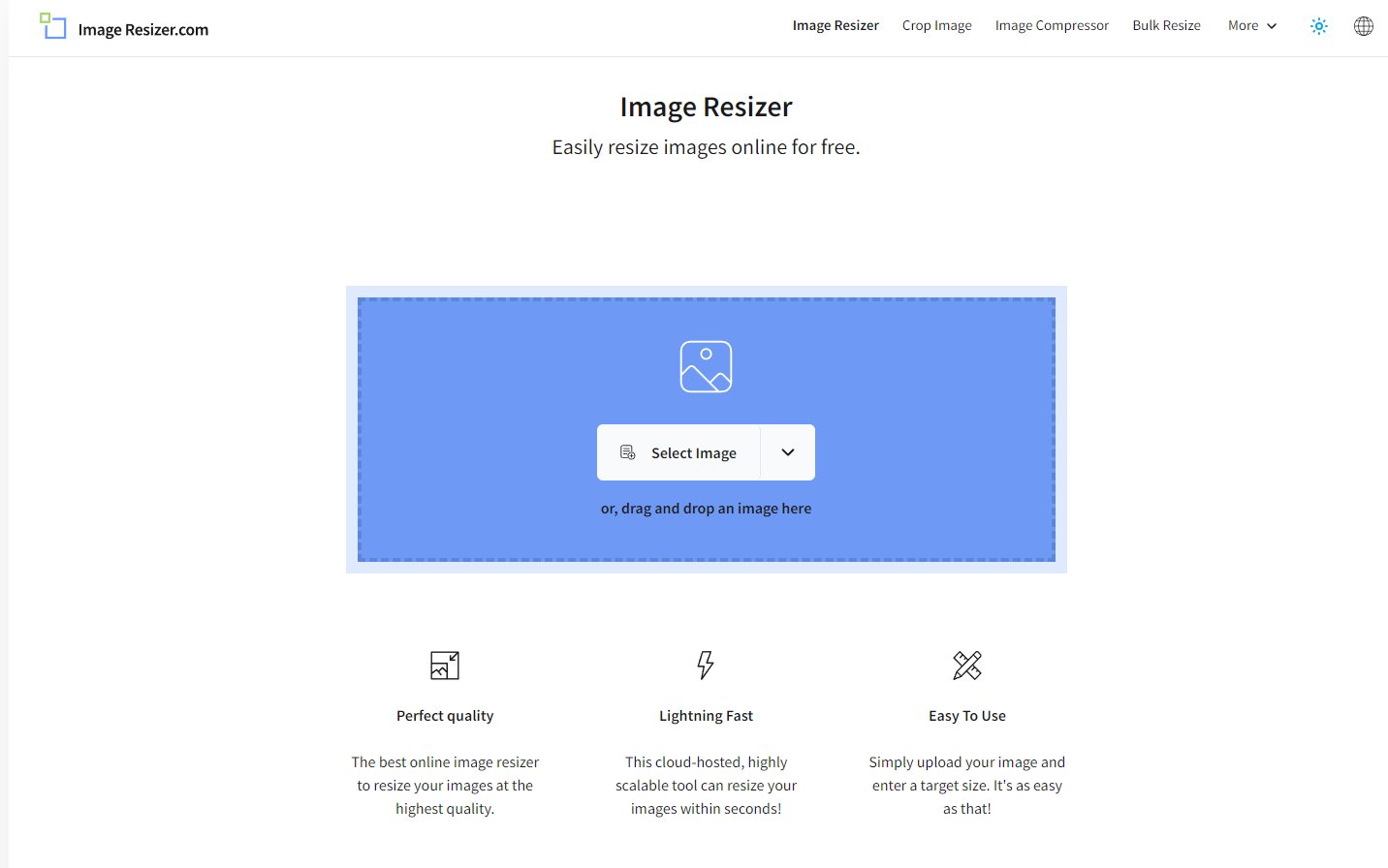
Once that is done, click Resize image and, after a few seconds, you'll be presented with a ready-to-download, resized version of your file. You'll also be able to re-edit it, convert it to PDF, or compress it to a .ZIP file.
Adobe Resizer
You don't need to have Photoshop to benefit from an Adobe resizing service. That's just what their online resizing service is for. To use the free Adobe image resizer:
Go to the Adobe Free Image Resizer page.
Click Upload your photo.
Select the file in question on your computer.
Once the file is uploaded, enter its new dimensions and click Resize.
Your file will soon be ready for download. Before downloading, you'll also be able to choose new dimensions for your file according to standard sizes such as Instagram story, landscape, portrait, and square.
As resizing is a fairly simple operation, any of the above options should be enough for your needs. Both Image Resizer and the Adobe solution are free and don't require creating an account. However, we found that the Image Resizer is best for slower-working devices.
Finally, remember the solution to your resizing needs may be literally in the palm of your hands. Most modern Android and iOS smartphones come with image editing software that works great for simpler operations such as resizing, so you can likely generate your new image file on the go.
Enhancing image size without losing quality with Upscale by Sticker Mule
What if you need to resize an image upwards — that is, your file is too small for your printing needs? Run it through any of the above options, and you'll find yourself looking at a larger, but pixelated and low-resolution image. In fact, the Adobe tool will sometimes tell you straight off that your image is too small for the selected size.
So yes, for enhancing your image size you'll need something a little more advanced than any old picture resizer. Allow us to present our very own solution: Upscale, by Sticker Mule.
What does Upscale do?
Upscale leverages the power of AI algorithms to increase the number of pixels in your image. As it expands your image, it also fills in the missing pixels, avoiding the granulated look you would get otherwise.
Upscale is completely free to use. It also boasts a pretty simple and intuitive interface. Try it out yourself:
Go to the Upscale main page
Upload your image (or images, as you can also run a bulk upscaling)
Select the type of image — photo or artwork —, or, if unsure which to choose, leave it in Auto
Select the desired upscaling scale — 2x, 4x or even 8x.
Click Start processing and hold on tight. Upscaling one or two images should be fast enough, but if you're doing that with a whole bunch of them, you might want to check the Email me when complete box and go about your business. Just don't close your browser tab!
When your files are ready, you'll be shown their new size in pixels, in comparison to the original one. Now click the download button and you're all set.
[Optional]. If you want to order your prints directly from our website, simply select the desired product, below your upscaling results — stickers, coasters, labels, keychains, or anything else from our store. Enter the quantity and size and order in one click. It's as simple as that!

As a caveat, remember even the best apps have their limitations, and Upscale is no exception. If the original file is minuscule and barely has a fistful of pixels to show, you should adjust your expectations for the result accordingly.
Resizing and re-dimensioning are key steps if you want to ensure the best possible results for your custom printed products. And happily, as you can see from the above examples, it's also a pretty straightforward process. So give the above browser-based options a go and see what works best for your use case. You'll soon have a properly sized version of your graphic, ready to print.
**Reprinted with permission for Sticker Mule
Understanding Minimums in Screen Printing: What You Need to Know
Screen printing is a popular and versatile method of printing used for a wide range of applications, from custom t-shirts to promotional products. If you're considering screen printing for your project, you may have come across the term "minimums." In this blog post, we'll delve into the concept of minimums in screen printing and explain what you need to know to navigate this aspect of the printing process.
Understanding Minimums:
In the context of screen printing, minimums refer to the minimum quantity of items that a printer requires for a specific design or order. Printers often impose minimums to ensure that the production process is efficient and cost-effective. These minimums can vary depending on factors such as the complexity of the design, the type of item being printed, and the capabilities of the printing facility.
There are several reasons why screen printing minimums exist:
1. Set-Up Costs: The screen printing process involves creating custom screens for each color in the design, preparing the printing equipment, and aligning the screens accurately. These set-up tasks require time, effort, and materials. By setting minimums, printers can distribute these costs over a larger quantity of items, making the process economically viable.
2. Efficiency: Screen printing is a sequential process, where each color in the design is applied separately. To optimize production time and resources, it is often more efficient to print multiple items at once. Minimums help printers maintain a workflow that maximizes efficiency and reduces downtime.
3. Profitability: Printing businesses need to cover their costs and make a profit to stay sustainable. By setting minimums, printers can ensure that each order meets a certain threshold of profitability necessary to run their operations successfully.
Here are a few tips to help you navigate minimums in screen printing:
1. Communication: When considering screen printing for your project, it's essential to research potential printing companies and their minimum requirements. Reach out to the printers directly and discuss your specific needs. Clear communication will help you understand the minimums they have in place and explore any potential flexibility based on your requirements.
2. Cost Considerations: Minimums are often tied to the cost per item. As the quantity increases, the per-item cost tends to decrease. Evaluate your budget and determine the optimal quantity that strikes a balance between affordability and meeting the printer's minimums.
3. Group Orders: If you don't require a large number of items yourself, consider joining forces with friends, colleagues, or community groups who may have similar printing needs. By combining orders, you can collectively reach the printer's minimums and share the cost, making it more feasible for everyone involved.
Minimums in screen printing serve a practical purpose, helping printers streamline their production process and maintain profitability. By understanding the reasons behind minimums and effectively communicating with printing companies, you can navigate this aspect of screen printing and find the right balance between quantity, cost, and quality for your specific project. If you are interested in screen printing, please reach out as we offer custom orders.

Learn Differences Between Printing Processes
When ordering t-shirts, it's important to understand the different printing methods. Our website and Etsy offer screen-printed designs using plastisol ink, while Amazon purchases come with DTG printing. Our custom flags and tents are created through sublimated printing. What does this mean? Screen printing, heat press, vinyl, DTG (Direct-to-Garment), and sublimation are all different printing methods, each with its own advantages and considerations.
1. Durability: Screen printing often provides excellent durability and long-lasting prints. The ink used in screen printing is typically thicker and more robust, making it more resistant to fading, cracking, or peeling over time, especially when compared to heat press and vinyl transfers.
2. Vibrant Colors and Opaqueness: Screen printing allows for the use of vibrant and opaque colors. The ability to apply multiple layers of ink during the printing process produces vibrant and eye-catching designs, even on dark-colored garments. In comparison, heat press and vinyl transfers may have limitations in color vibrancy and opacity.
3. Cost-Effective for Large Orders: Screen printing becomes cost-effective when producing large quantities of printed items. Once the screens are set up, printing multiple items becomes relatively efficient, making it a preferred choice for businesses that require a high volume of printed products. Heat press, vinyl, DTG, and sublimation printing may have higher costs per unit for larger orders.
4. Versatility: Screen printing can be performed on various surfaces, including fabrics, paper, plastics, and wood, making it suitable for a wide range of applications. Heat press and vinyl transfers are primarily used on fabrics, while DTG and sublimation printing are more specialized for fabric applications.
5. Customization Options: Screen printing offers a wide range of customization options, including the use of special inks (e.g., metallic or glow-in-the-dark inks), specialty finishes (e.g., foil or flock), and textured effects. This flexibility allows for unique and creative designs. While heat press and vinyl transfers offer some customization options, they may have limitations in terms of effects and finishes. DTG and sublimation printing also offer customization options, but they may have limitations in terms of special effects and the type of fabrics they can be used on.
It's important to note that each printing method has its own strengths and weaknesses, and the better option depends on specific requirements, such as desired print quality, quantity, fabric/material, complexity of the design, budget, and available equipment. It's always recommended to consider these factors and discuss with us or your printing professional to determine the most suitable method for your specific needs.